Reproduce file size and pixel requirements
These original geometric patterns contain no photos or personal information. Download the source files and reproduce the examples with this site’s tools.

1200 × 800 px · 907,977 bytes
Download input sample
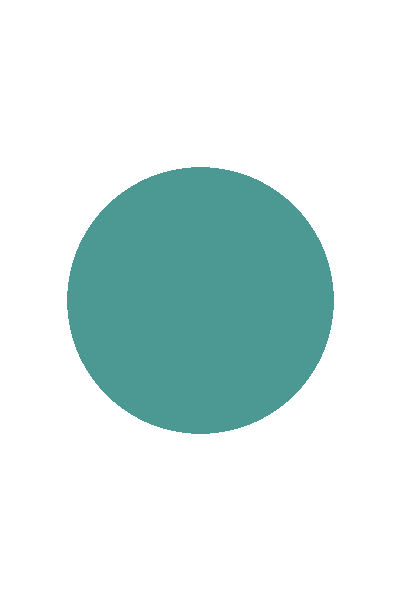
400 × 600 px · 4,642 bytes
Download input sample
- Download and select an input sample. Set the format, dimensions and maximum size from a card below, and choose Fit entire image with padding. Start JPG quality at 90%.
- Select Resize image and compare the original and output. A landscape image fitted to a portrait has padding above and below. Check the transparent corners and padding of the PNG.
- Check the actual output bytes, dimensions, format and requirement status before downloading. The 1KB case intentionally shows unmet requirements and should not be used for submission.
Landscape image to portrait JPG
Input: Landscape pattern
Settings: JPG · 600 × 800 · 80 KB · Fit entire image with padding · Starting quality 90%
Actual output: 65,252 bytes · 600 × 800 px
The specified maximum file size, dimensions and format were met.
Download the measured reference output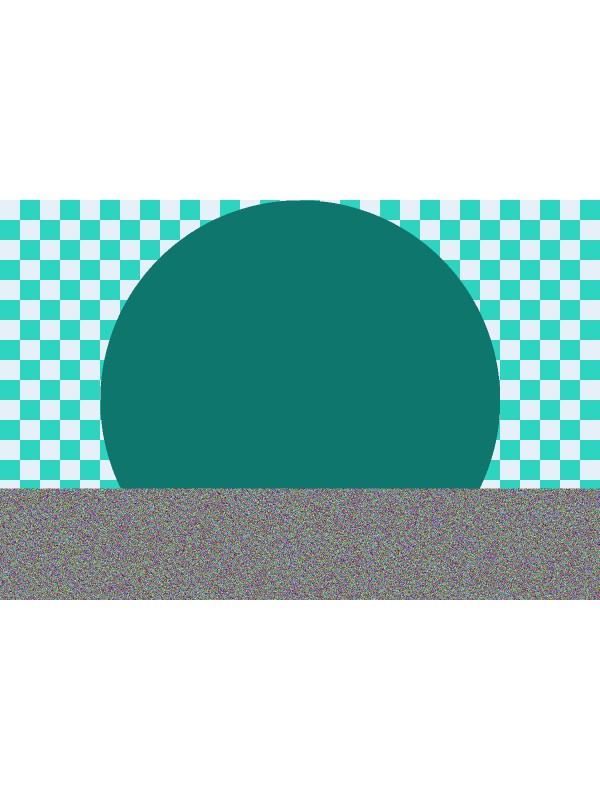
PNG transparency and square padding
Input: Transparent portrait shape
Settings: PNG · 256 × 256 · 64 KB · Fit entire image with padding
Actual output: 5,827 bytes · 256 × 256 px
The specified maximum file size, dimensions and format were met.
Download the measured reference output
Size limit exceeded at the same dimensions
Input: Landscape pattern
Settings: JPG · 600 × 800 · 1 KB · Fit entire image with padding · Starting quality 90%
Actual output: 7,997 bytes · 600 × 800 px
The size limit was exceeded. Dimensions and format were retained, but this file does not meet the specified size limit.
Download the reference that exceeds the limit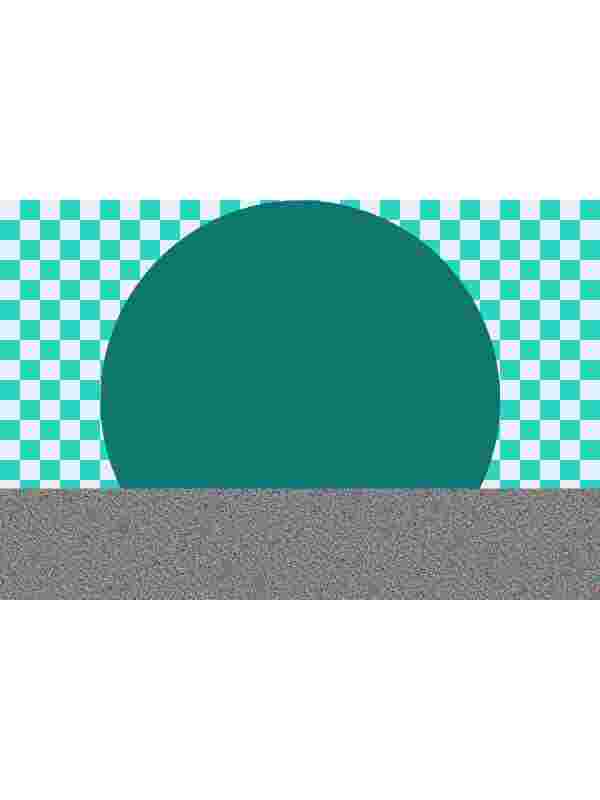
Padding and center cropping do not assess a submission site’s photo rules. Only change settings the submission site allows; check the subject, background and shooting conditions separately. These examples are not official specifications for an institution.
These figures describe actual downloaded files checked in the browser below. Encoders and PDF creation metadata can change file sizes and bytes. Check your own result using the tool’s actual metrics and downloaded file. Chrome 154.0.8037.58 · 2026-09-30
Limitations
One JPG or PNG at a time. Output: up to 4,096 px per side and 16 million pixels. Encoding can vary by browser. Enlarging a small original may blur it. EXIF, DPI and other metadata are not preserved. Animated PNG uses only the first frame.
This tool checks only file size, pixel dimensions and format. It does not assess the subject, background or shooting conditions, or guarantee acceptance as a passport photo or compliance with legal requirements.
Privacy
Images are processed in your browser. The conversion tool does not upload selected images or filenames to a server, store or log them on a server, or include them in analytics or advertising events. The site separately handles theme preferences, advertising, consent management, traffic statistics and hosting access logs. See the site’s privacy policy for details.