PNG vs SVG: Which QR Format Should You Download?
Published: 2026-08-31 · Updated: 2026-09-30
The downloads encode the same input and settings. PNG stores pixels; SVG describes shapes. Choose a format the receiving app or printer accepts, then check the actual file in that workflow.
PNG: a fixed pixel grid
The generator offers 256–2,048px PNG sizes. PNG is commonly supported in documents, slides and uploads. Enlarging a small raster can soften module edges; choose enough pixels for the final placement and avoid crop or distortion. A 1,024px image does not promise print quality at a particular size.
SVG: drawing coordinates
The SVG defines module geometry rather than a fixed pixel grid. Its viewBox sets the coordinate space, and the receiving app chooses a display or print size. Some upload sites do not accept SVG. Vector geometry still needs sufficient physical module size, contrast and quiet zones.
Compare PNG and SVG from this generator
Open the Standard URL example: https://example.com/menu, error correction M, black modules, white background, a four-module margin and 1,024px PNG. Download both PNG and SVG and compare them with the reference files below. The example URL contains no personal information.
Open the same QR input and settings
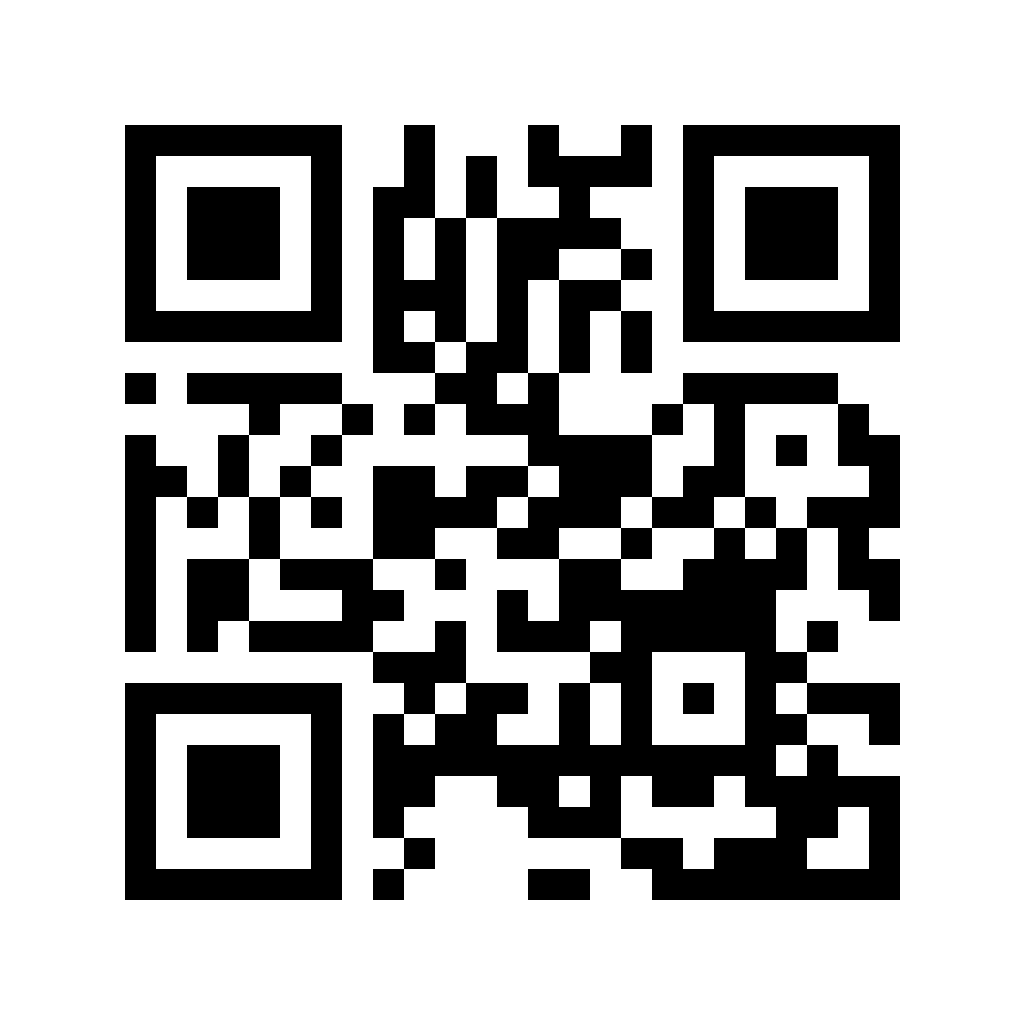
- PNG: 1024 × 1024 px · 26,052 bytes · Download reference PNG
- SVG: viewBox 0 0 33 33 · 1,263 bytes · Download reference SVG

The reference PNG and SVG rendered to pixels were decoded with jsQR and returned the same URL. The SVG viewBox value 33 describes drawing coordinates, not a fixed pixel resolution. This example contains a 25-module symbol plus eight modules of margin across each dimension.
Sizes are from actual downloads and may vary with the browser’s PNG encoder. No physical print, phone camera, scan distance or recognition-rate tests were performed. Chrome 154.0.8037.58 · 2026-09-30
Transparency and final placement
Both formats support transparent backgrounds. The preview’s contrast calculation assumes white under transparency; the destination may be different. Keep the four-module quiet zone clear on a light, plain area and test the final background and material.
For print, follow the print checklist and source guidance. If an upload rejects SVG, export PNG rather than changing the extension.